

DevOps
评论3,740字数 235阅读0分47秒阅读模式

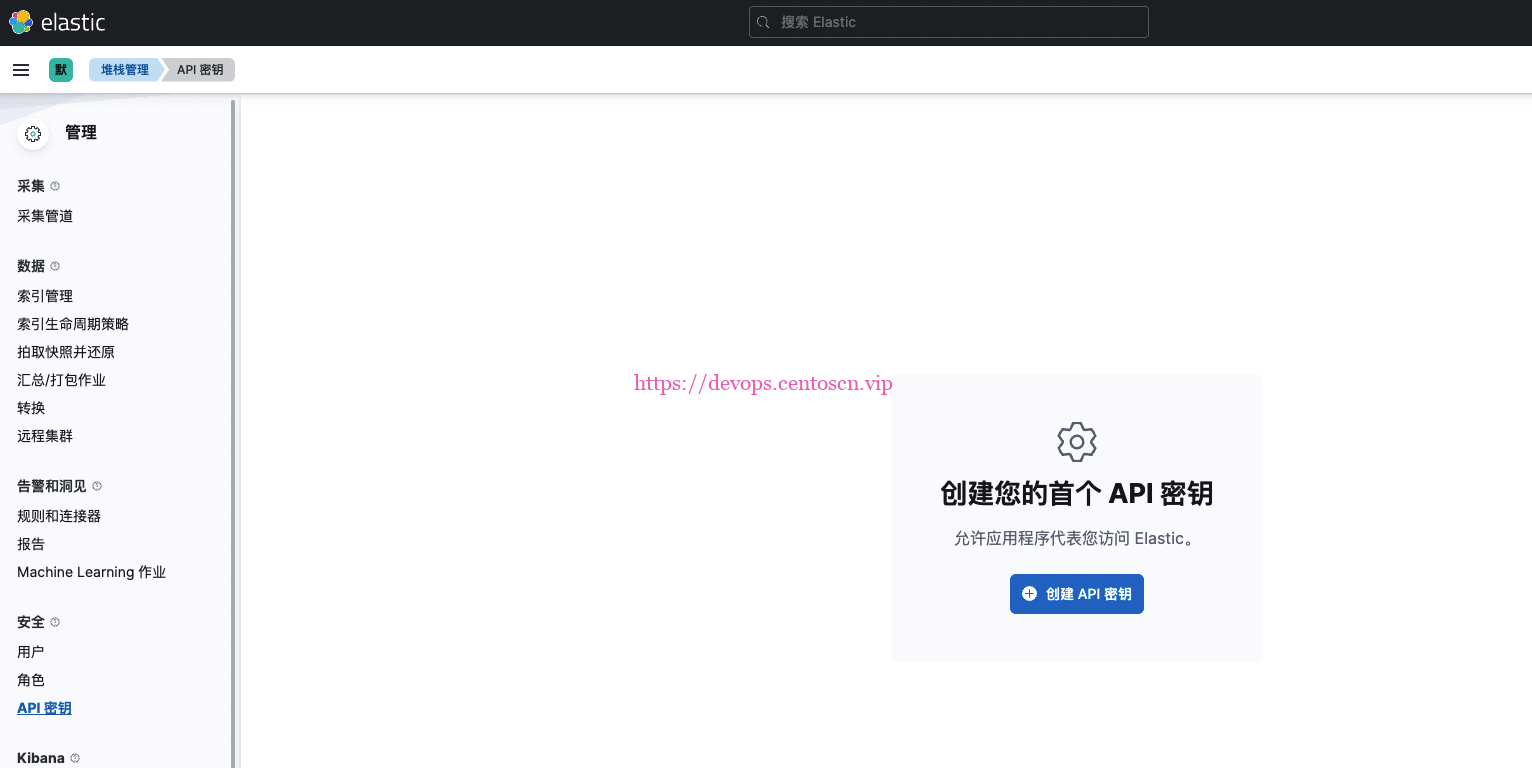
默认没有启用 API

创建key
[centos@prod-es-3 kibana-7.17.5-linux-x86_64]$ ./bin/kibana-encryption-keys generate
## Kibana Encryption Key Generation Utility

The 'generate' command guides you through the process of setting encryption keys for:

xpack.encryptedSavedObjects.encryptionKey
    Used to encrypt stored objects such as dashboards and visualizations
    https://www.elastic.co/guide/en/kibana/current/xpack-security-secure-saved-objects.html#xpack-security-secure-saved-objects

xpack.reporting.encryptionKey
    Used to encrypt saved reports
    https://www.elastic.co/guide/en/kibana/current/reporting-settings-kb.html#general-reporting-settings

xpack.security.encryptionKey
    Used to encrypt session information
    https://www.elastic.co/guide/en/kibana/current/security-settings-kb.html#security-session-and-cookie-settings


Already defined settings are ignored and can be regenerated using the --force flag.  Check the documentation links for instructions on how to rotate encryption keys.
Definitions should be set in the kibana.yml used configure Kibana.

Settings:
xpack.encryptedSavedObjects.encryptionKey: d17c79d5f51e311de0077d1e57e3a515
xpack.security.encryptionKey: b8683386203d8b89ed0d3ed01d57a7a6
复制最后两行到kibana
[centos@prod-es-3 config]$ pwd
/data/kibana-7.17.5-linux-x86_64/config
[centos@prod-es-3 config]$ vim kibana.yml
xpack.encryptedSavedObjects.encryptionKey: d17c79d5f51e311de0077d1e57e3a515
xpack.security.encryptionKey: b8683386203d8b89ed0d3ed01d57a7a6
- 重启服务生效
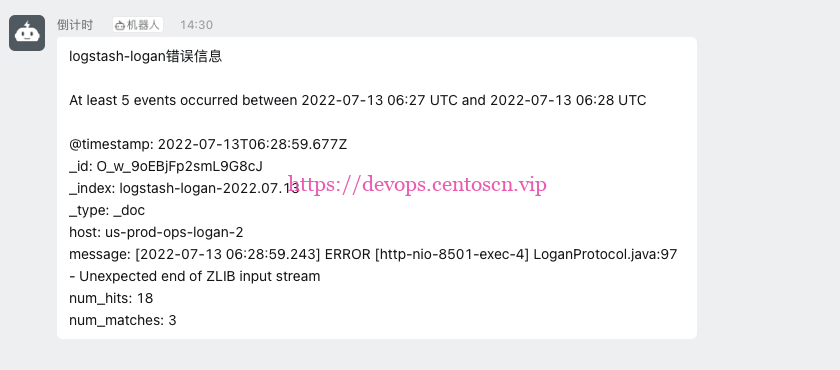
连接器
基本都不能使用
开启30天会员
开启后都能用
继续阅读


![EFK集群[案例]](https://devops.ubuntu.ltd/wp-content/uploads/2022/09/2022092017505680.png?x-oss-process=image/resize,m_fill,w_280 ,h_210, limit_0)



评论