

DevOps
评论5,253字数 152阅读0分30秒阅读模式

备份原配置
第一个节点
[centos@prod-es-1 ~]$ cd /data/elasticsearch-7.17.5/config/
[centos@prod-es-1 config]$ cp elasticsearch.yml elasticsearch.yml713
第二个节点
[centos@prod-es-2 ~]$ cd /data/elasticsearch-7.17.5/config/
[centos@prod-es-2 config]$ cp elasticsearch.yml elasticsearch.yml713
第三个节点
[centos@prod-es-3 ~]$ cd /data/elasticsearch-7.17.5/config/
[centos@prod-es-3 config]$ cp elasticsearch.yml
elasticsearch.yml      elasticsearch.ymlback
[centos@prod-es-3 config]$ cp elasticsearch.yml elasticsearch.yml713
添加配置
第一个节点
[centos@prod-es-1 config]$ vim elasticsearch.yml
xpack.security.authc.api_key.enabled: true
第二个节点
[centos@prod-es-2 config]$ vim elasticsearch.yml
xpack.security.authc.api_key.enabled: true
第三个节点
[centos@prod-es-3 config]$ vim elasticsearch.yml
xpack.security.authc.api_key.enabled: true
配置完重启服务生效
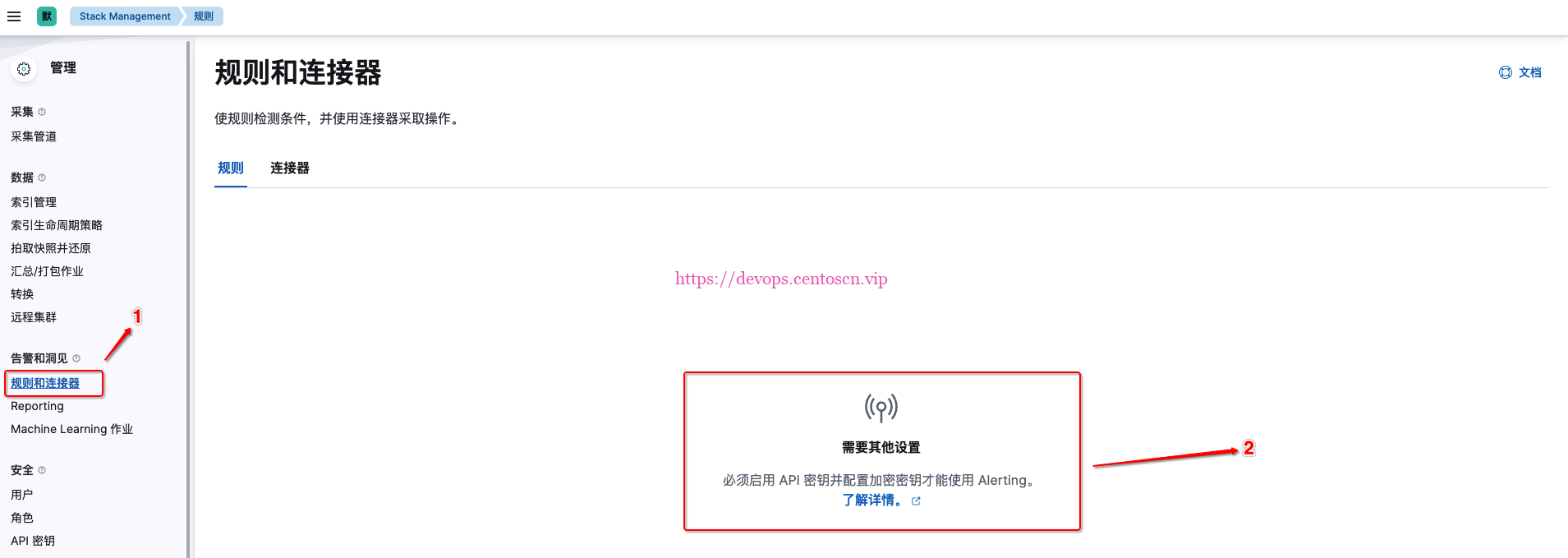
查看kibana
- 可以自己创建api密钥





![EFK集群[案例]](https://devops.ubuntu.ltd/wp-content/uploads/2022/09/2022092017505680.png?x-oss-process=image/resize,m_fill,w_280 ,h_210, limit_0)



评论