

DevOps
评论1,987字数 552阅读1分50秒阅读模式

环境
- Maven3+
- Jdk1.8+
- Mysql5.7+
部署
- maven https://devops.ubuntu.ltd/743.html
- jdk https://devops.ubuntu.ltd/186.html
- mysql https://devops.ubuntu.ltd/84.html
初始化数据库
[centos@us-prod-sre-jumpserver-1 db]$ mysql -uroot -p
Enter password:
mysql> show databases;
+--------------------+
| Database           |
+--------------------+
| information_schema |
| mysql              |
| performance_schema |
| sys                |
+--------------------+
4 rows in set (0.00 sec)
mysql> create database xxl_job;
Query OK, 1 row affected (0.01 sec)
mysql> source /home/centos/xxl-job/doc/db/tables_xxl_job.sql
Query OK, 1 row affected, 1 warning (0.00 sec)

Database changed
Query OK, 0 rows affected (0.00 sec)

Query OK, 0 rows affected, 7 warnings (0.02 sec)

Query OK, 0 rows affected, 7 warnings (0.02 sec)

Query OK, 0 rows affected, 4 warnings (0.02 sec)

Query OK, 0 rows affected, 2 warnings (0.02 sec)

Query OK, 0 rows affected, 1 warning (0.02 sec)

Query OK, 0 rows affected, 2 warnings (0.02 sec)

Query OK, 0 rows affected, 2 warnings (0.02 sec)

Query OK, 0 rows affected (0.02 sec)

Query OK, 1 row affected (0.00 sec)

Query OK, 1 row affected (0.01 sec)

Query OK, 1 row affected (0.00 sec)

Query OK, 1 row affected (0.00 sec)

Query OK, 0 rows affected (0.00 sec)
安装XXL-JOB
下载源码
git clone https://github.com/xuxueli/xxl-job.git
修改数据库
/xxl-job/xxl-job-admin/src/main/resources/application.properties
### 调度中心JDBC链接:链接地址请保持和 2.1章节 所创建的调度数据库的地址一致
spring.datasource.url=jdbc:mysql://127.0.0.1:3306/xxl_job?useUnicode=true&characterEncoding=UTF-8&autoReconnect=true&serverTimezone=Asia/Shanghai
spring.datasource.username=root
spring.datasource.password=root_pwd
spring.datasource.driver-class-name=com.mysql.jdbc.Driver
### 报警邮箱
spring.mail.host=smtp.qq.com
spring.mail.port=25
spring.mail.username=xxx@qq.com
spring.mail.password=xxx
spring.mail.properties.mail.smtp.auth=true
spring.mail.properties.mail.smtp.starttls.enable=true
spring.mail.properties.mail.smtp.starttls.required=true
spring.mail.properties.mail.smtp.socketFactory.class=javax.net.ssl.SSLSocketFactory
### 调度中心通讯TOKEN [选填]:非空时启用;
xxl.job.accessToken=
### 调度中心国际化配置 [必填]: 默认为 "zh_CN"/中文简体, 可选范围为 "zh_CN"/中文简体, "zh_TC"/中文繁体 and "en"/英文;
xxl.job.i18n=zh_CN
## 调度线程池最大线程配置【必填】
xxl.job.triggerpool.fast.max=200
xxl.job.triggerpool.slow.max=100
### 调度中心日志表数据保存天数 [必填]:过期日志自动清理;限制大于等于7时生效,否则, 如-1,关闭自动清理功能;
xxl.job.logretentiondays=30
打包xxl_job
[centos@us-prod-sre-jumpserver-1 xxl-job]$ pwd
/home/centos/xxl-job
[centos@us-prod-sre-jumpserver-1 xxl-job]$ mvn clean install
启动服务
[centos@us-prod-sre-jumpserver-1 target]$ pwd
/home/centos/xxl-job/xxl-job-admin/target
[centos@us-prod-sre-jumpserver-1 target]$ nohup java -jar xxl-job-admin-2.4.0-SNAPSHOT.jar &
[1] 14360
[centos@us-prod-sre-jumpserver-1 target]$ nohup: ignoring input and appending output to ‘nohup.out’
访问xxljob
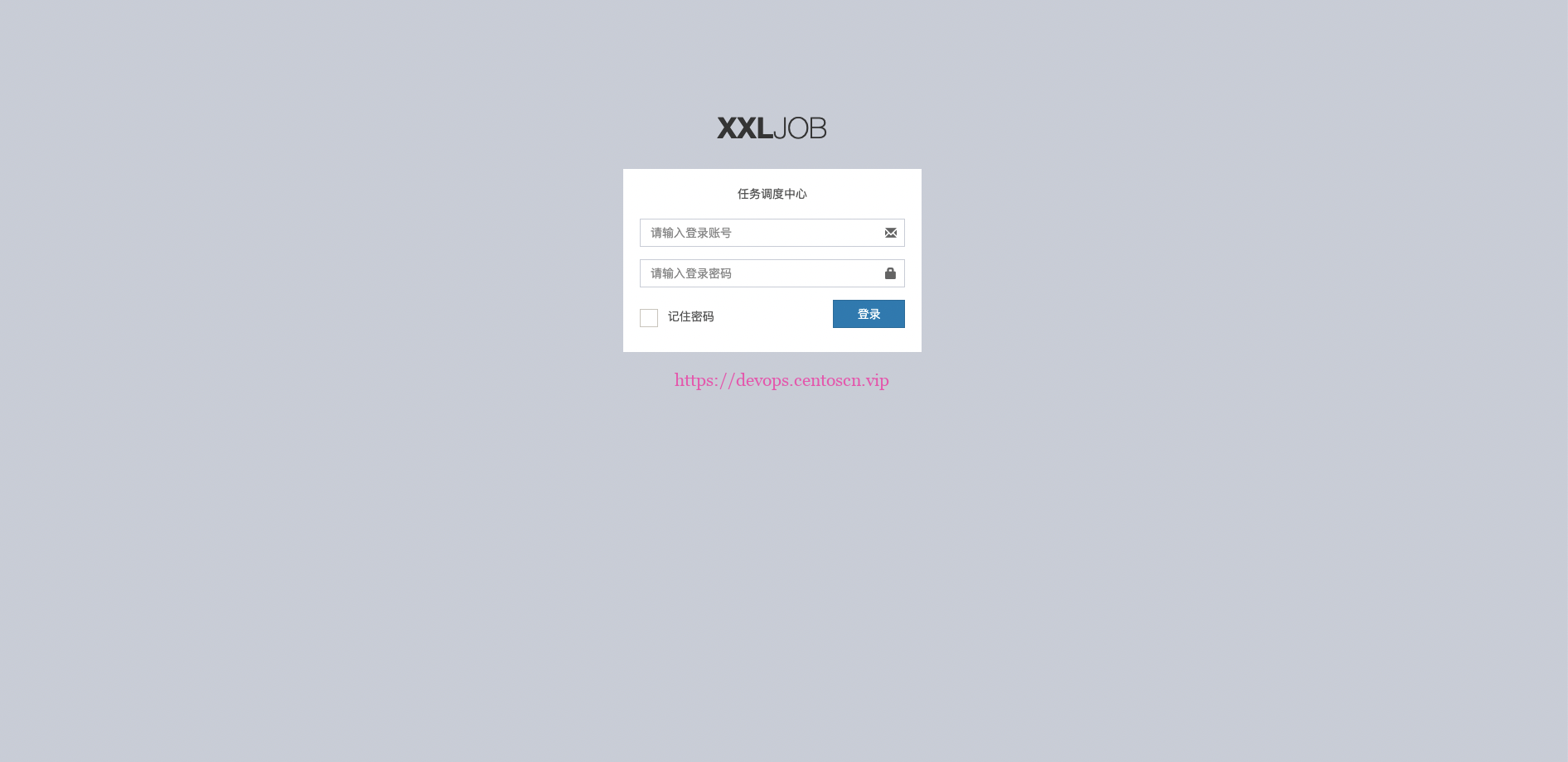
调度中心访问地址:http://localhost:8080/xxl-job-admin (该地址执行器将会使用到,作为回调地址)
默认登录账号 “admin/123456”, 登录后运行界面如下图所示。

继续阅读





评论